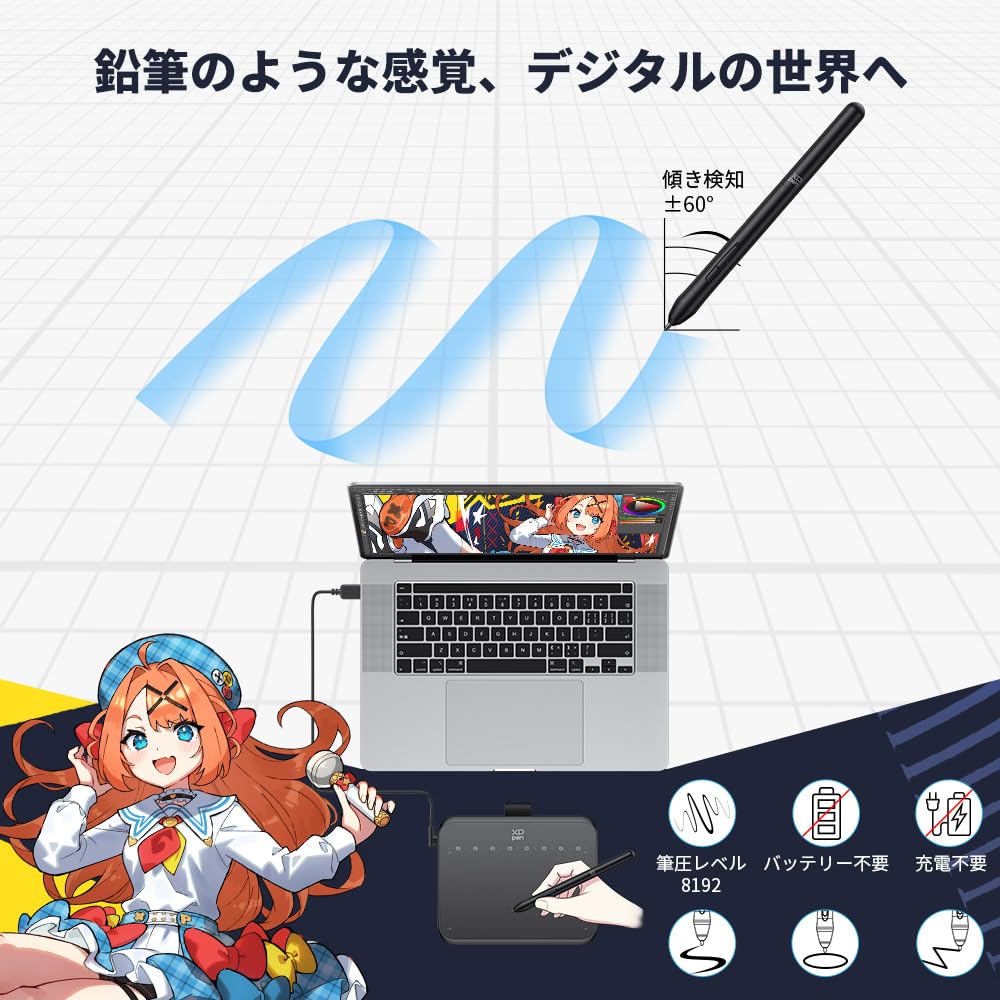
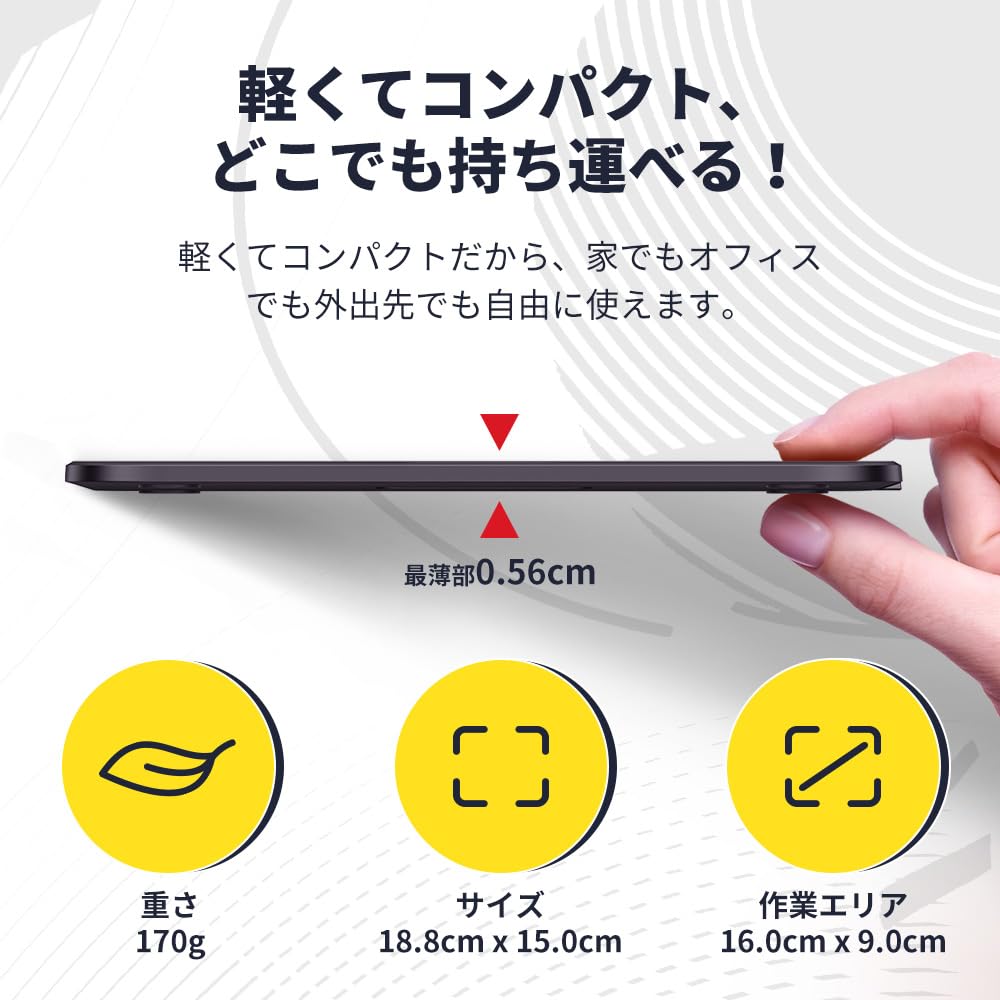
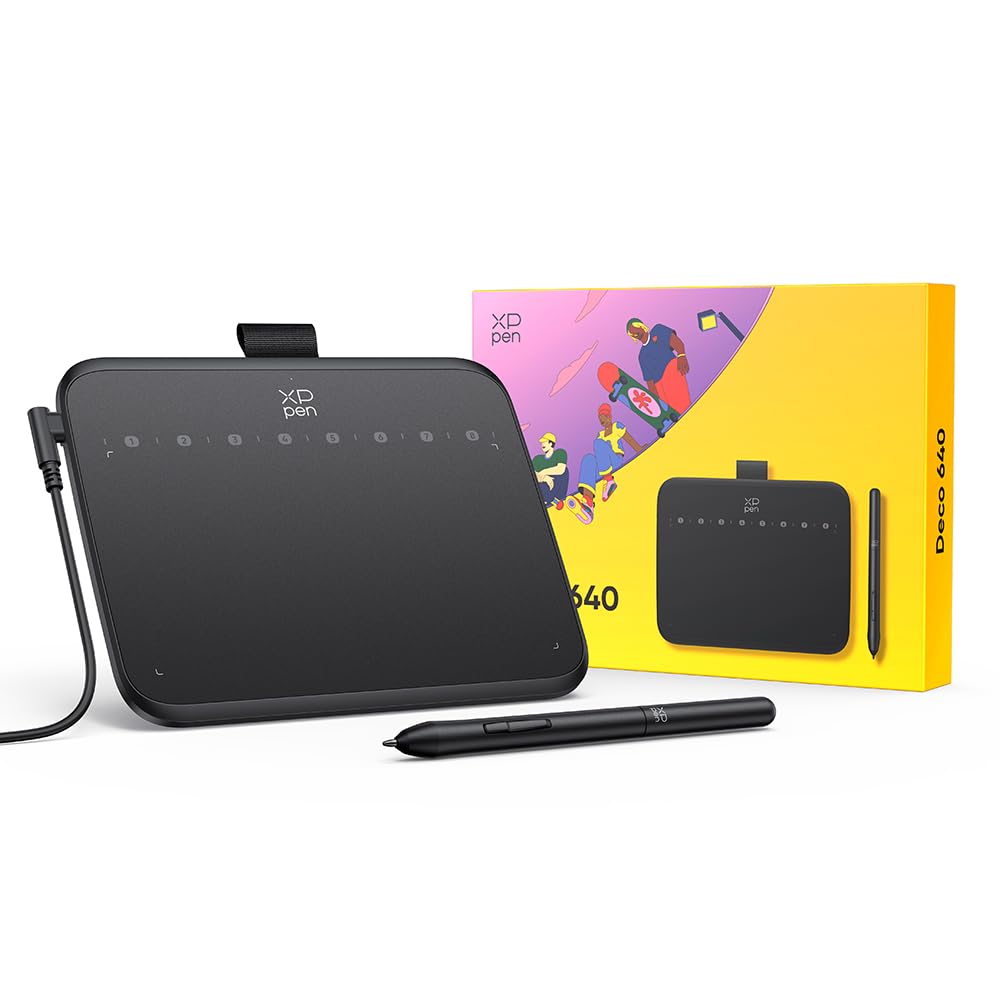
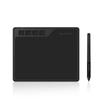
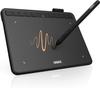
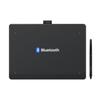
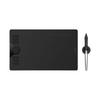
[Convenient Size & Delicate Drawing] The Deco 640 tablet measures 149.96 x 188.34 x 7.7mm. With 8192 levels of pressure sensitivity and 60° tilt support, you can easily create shadow strokes and rich line variations, allowing you to draw freely on the tablet just like drawing on paper.
[8 Shortcut Keys] By touching the stylus to eight virtual shortcut keys, you can efficiently, comfortably, and easily switch between drawing tools, making long periods of creation effortless. The ergonomic design also provides a large drawing area and reduces wrist fatigue.
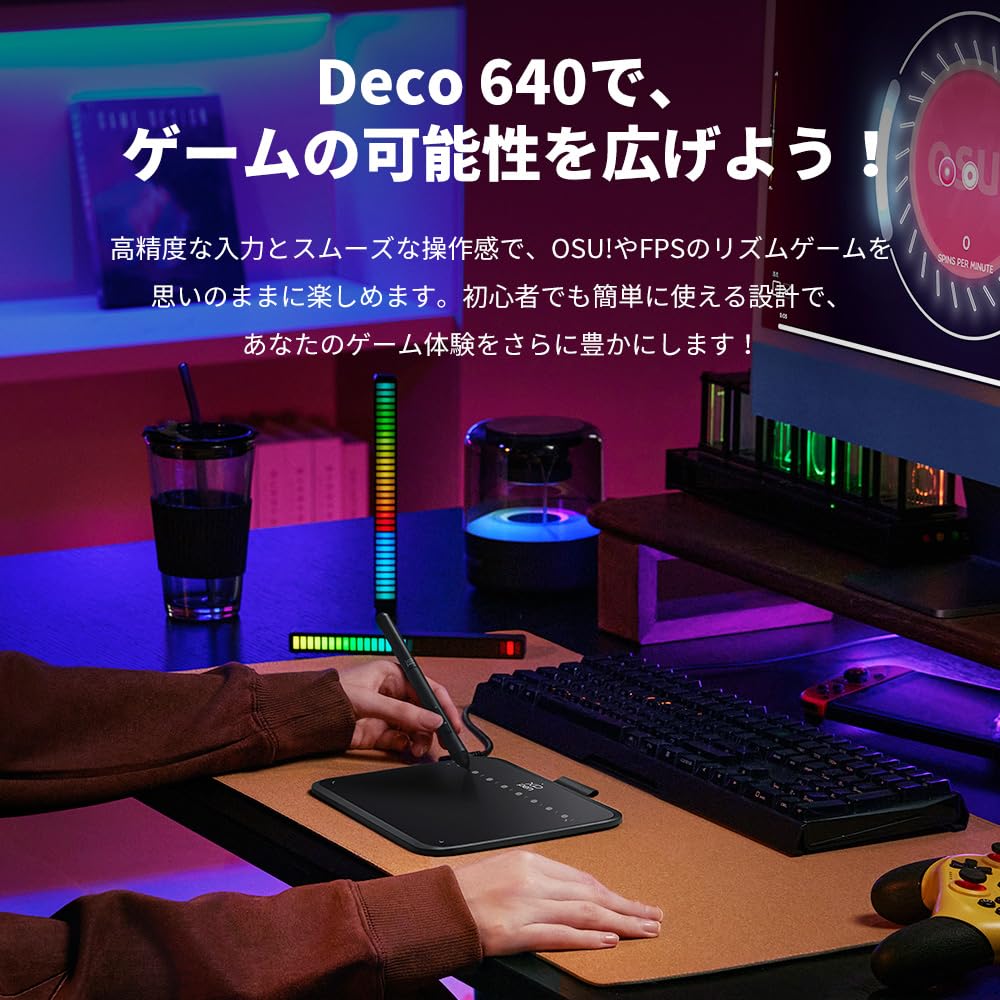
[Exclusively for osu!] The Deco 640's compact size and high response time provide an immersive experience for immersive games like OSU!. No driver installation is required, so you can start playing right away. It also provides excellent response times for other click games.
[Wide Compatibility] It is widely compatible with systems such as Windows and macOS, and is compatible with a variety of mainstream drawing and design software. Supported operating systems: Windows 7 or later, macOS 10.13 or later, Android 10.0 or later, Chrome OS 88 or later, Linux. Compatible software for PCs: Photoshop, Illustrator, SAI, etc.; for Android smartphones/tablets: MediBang Paint, ibisPaint, OneNote, etc.
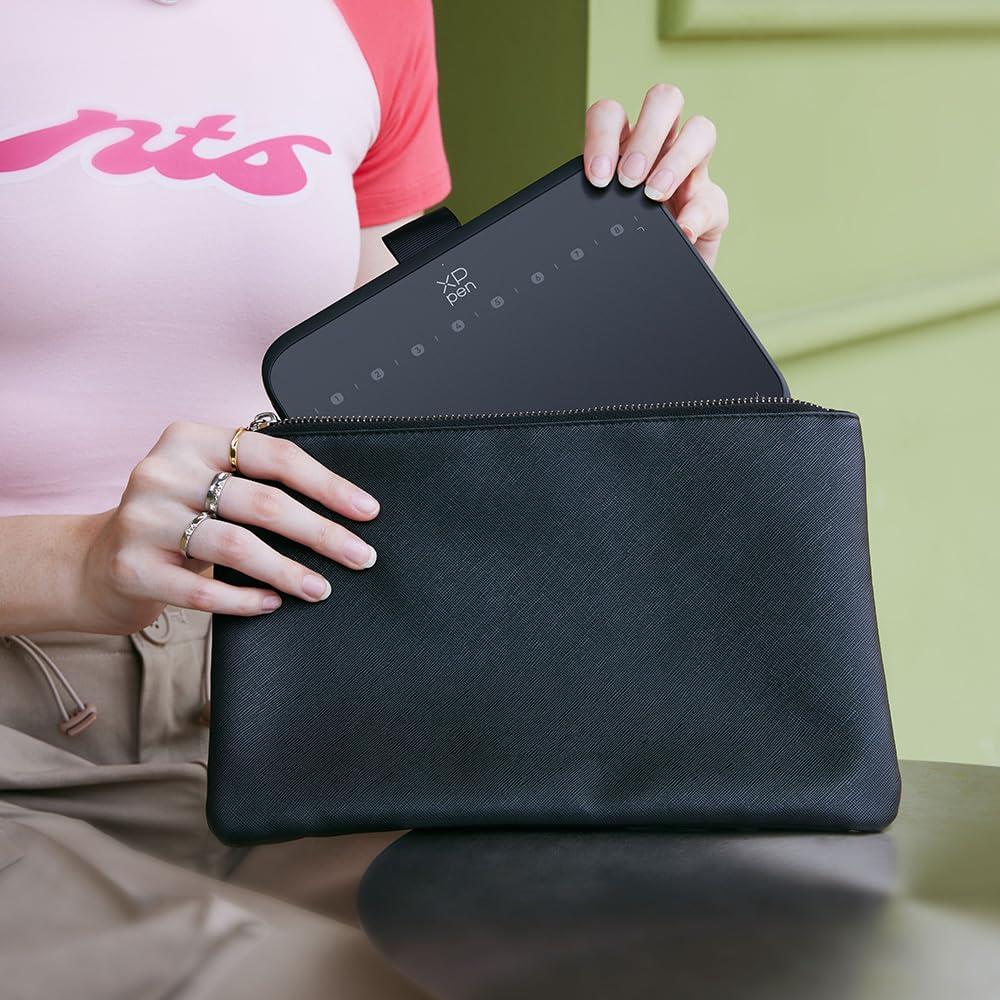
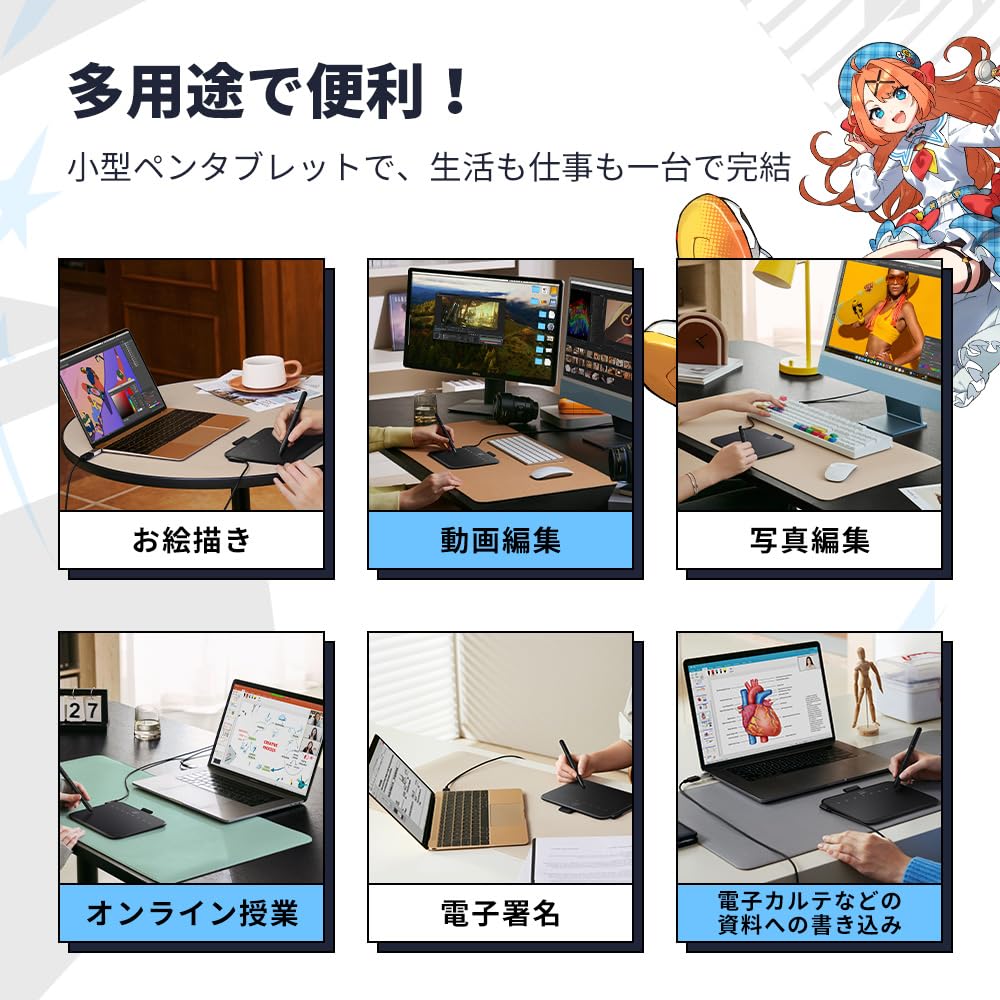
[Compact and Versatile] Not only can it be used as a hand-drawing tablet, but its thin and lightweight design also allows it to be used as a digital notebook. Create freely in the classroom or office. This pen tablet can be used in a variety of situations, including animation and video production, photo editing, illustration, design, and online classes.